
A look around PlotDirector
Come inside.
Bring your story.
A place for the words, the people and the wonderfully tangled thing you're making. Start with what you need. There's plenty to grow into.
Start writing free ↗“Right. What am I
working on today?”
Keep the next scene in reach. PlotDirector gives the work around your writing a home, so getting organised doesn't become a second novel.
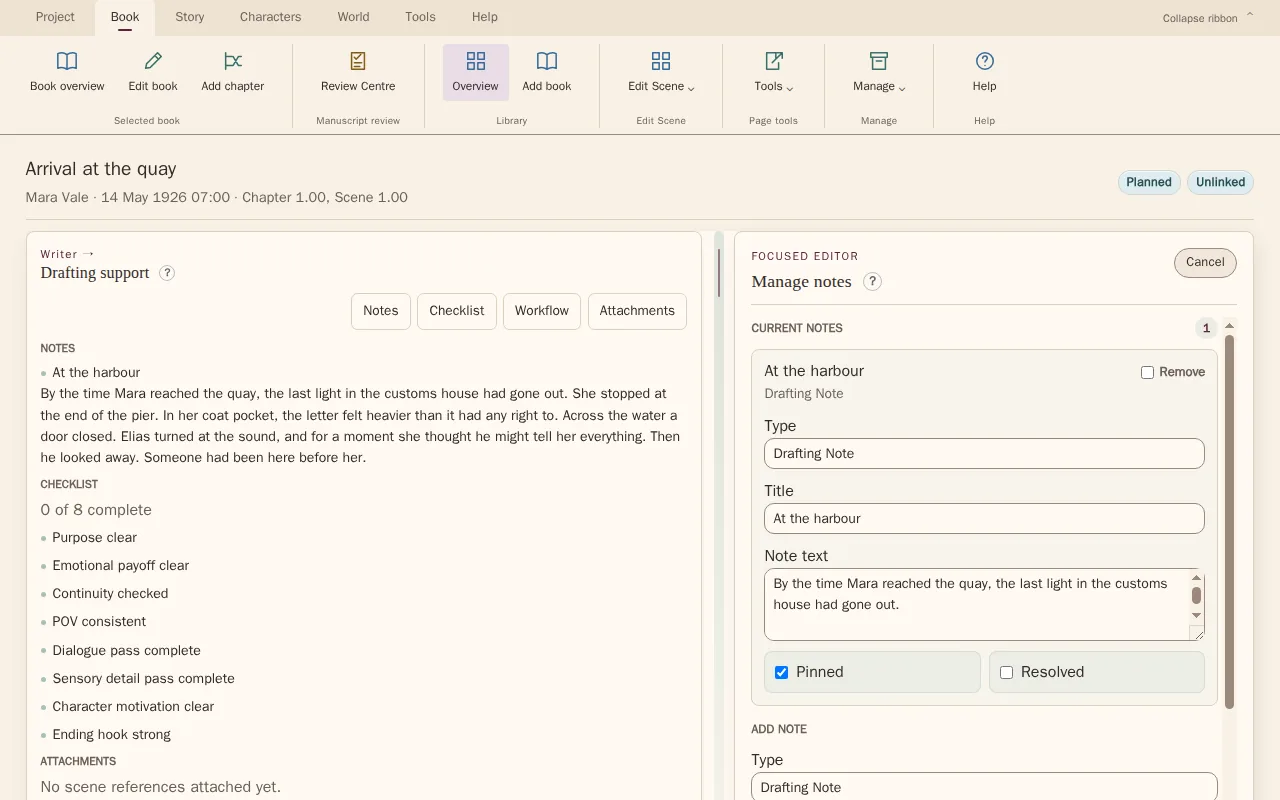
- Scene notes and checklists
- Drafting and revision workflow
- Microsoft Word Companion
A whole book.
Manageable pieces.
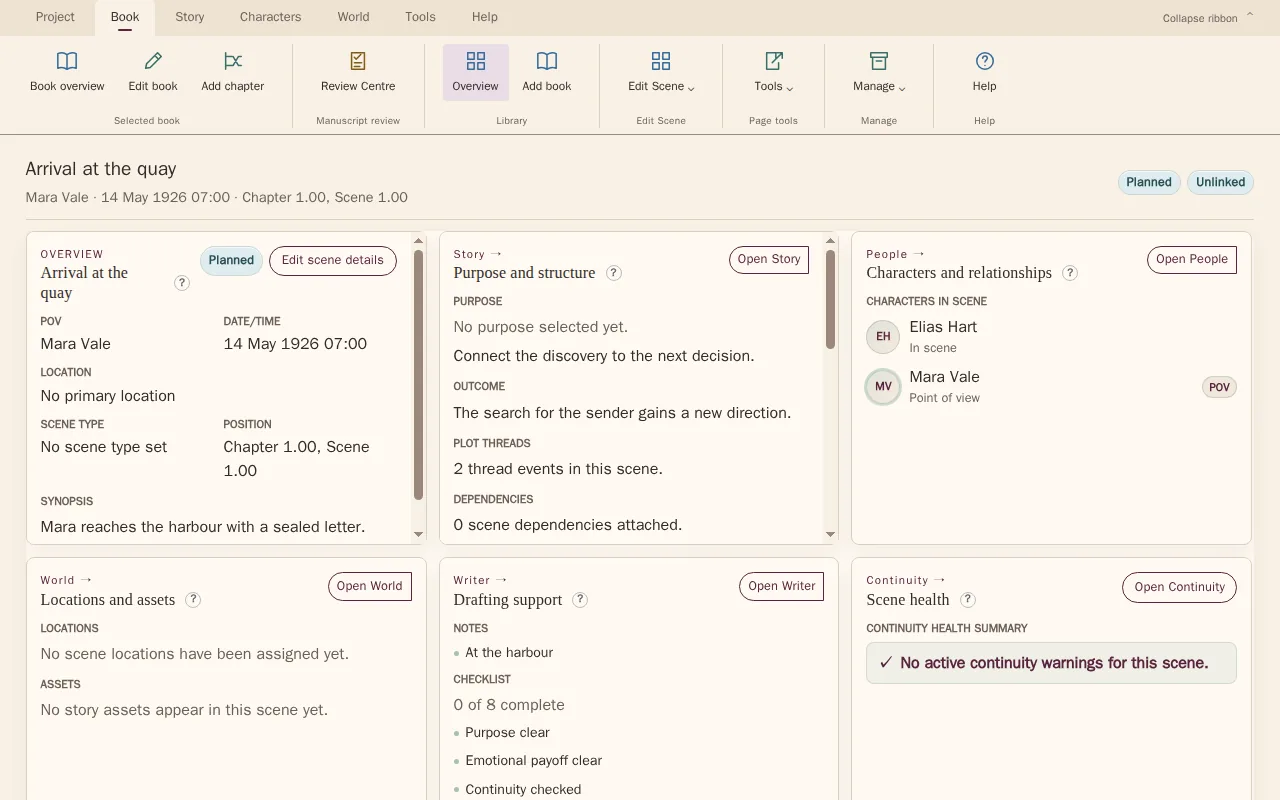
From an idea for chapter one to a series with a life of its own. Organise projects, books, chapters and scenes without losing sight of what connects them.
- See your books and progress together
- Keep scene summaries and story purpose close
- Move between the big picture and the details

“Who the hell
is Malcolm?”
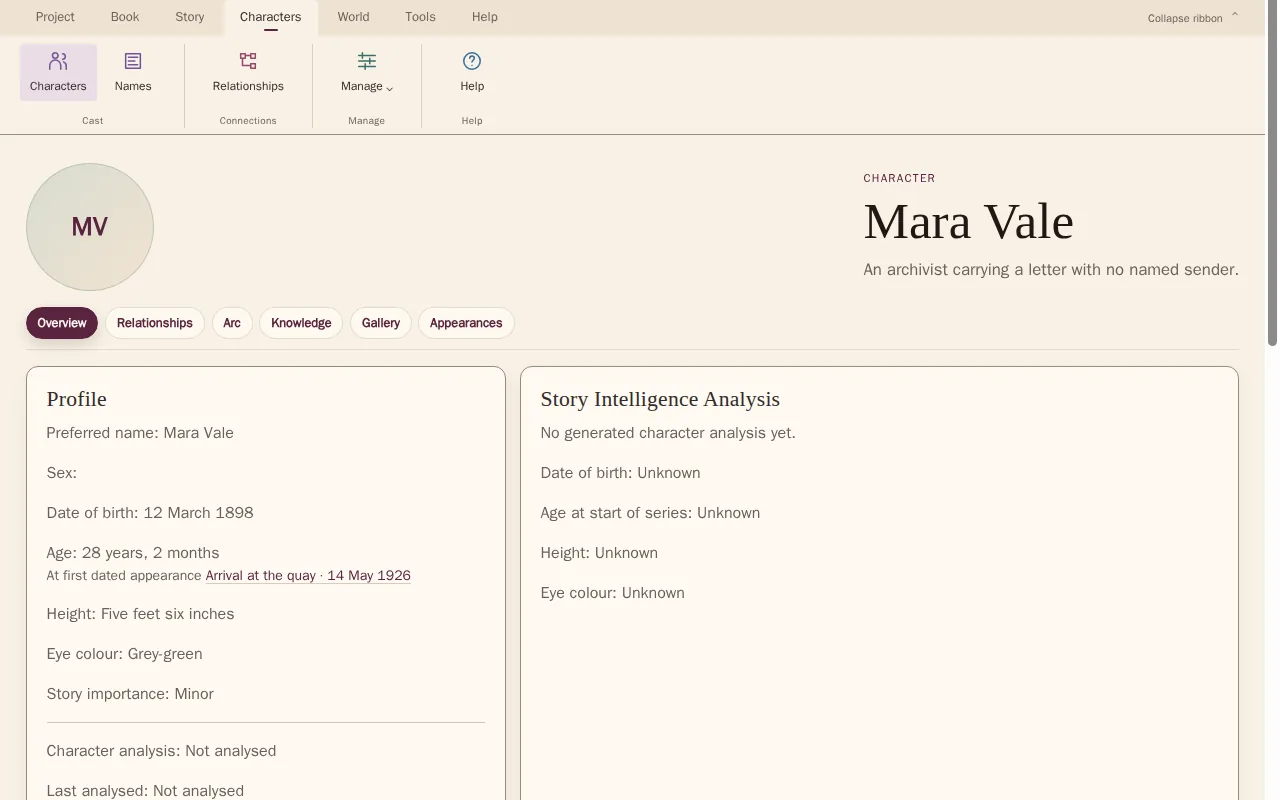
He might only appear twice. That doesn't mean you should have to invent him twice. Give every character a place, and keep their details close as your cast grows.
- Character profiles and aliases
- Relationships and scene appearances
- Notes for the details that matter
“Didn't this happen
on Thursday?”
Story order and story time aren't always the same thing. See where your scenes fall, follow chronology and check the gaps between events.
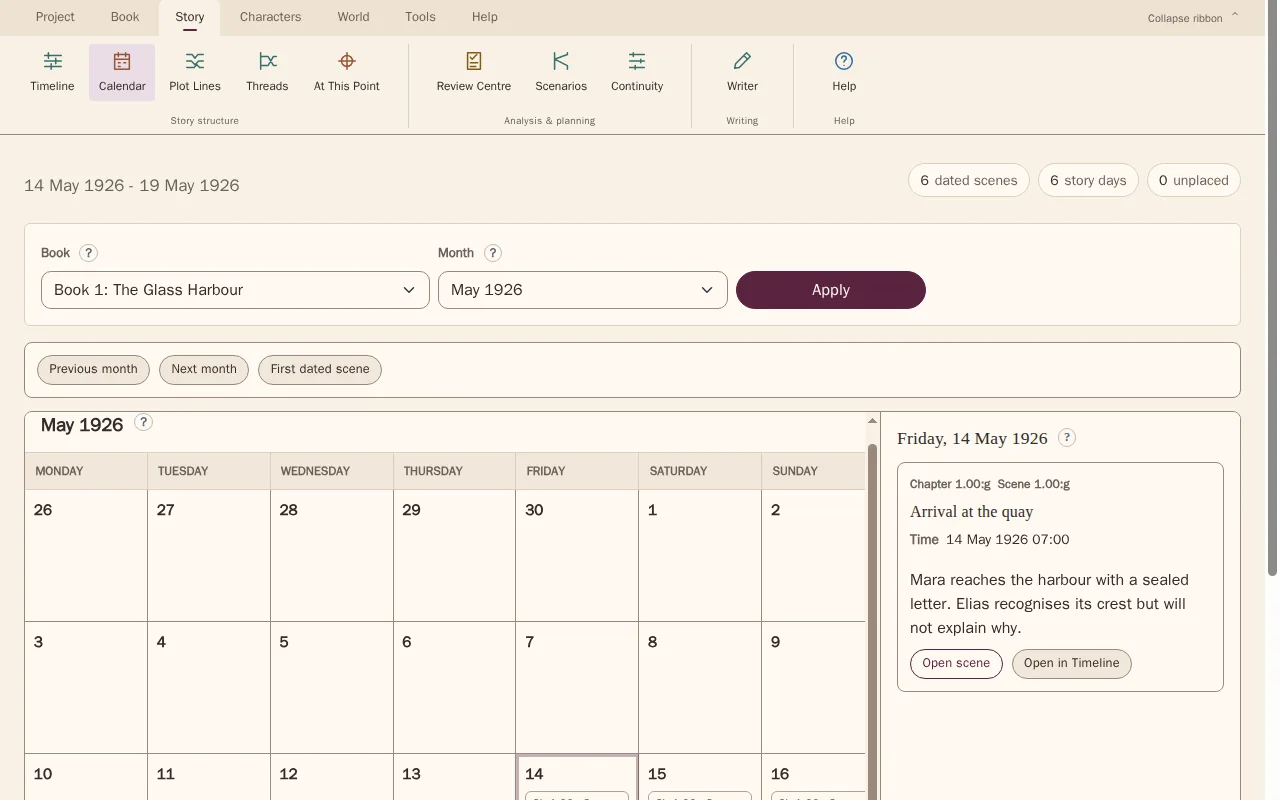
- Scene timeline
- Story dates and chronology
- Calendar view
Every promise
needs somewhere to go.
The mystery. The friendship. The secret that changes everything. Follow plot lines and their threads through your scenes, individually or woven together.
See where an arc develops, where it resolves, and where it might have been left behind.

- Focus on one plot line
- Compare the weave across scenes
- Track thread development and payoffs
Readers remember.
Let's help you do it too.
Characters shouldn't know a secret before they've heard it. An important object shouldn't quietly disappear. Keep track of story details and review continuity warnings as you revise.
- Review scene continuity warnings
- Track characters, locations and objects
- Use your judgement to resolve issues

“I'm sure I
mentioned this earlier.”
Give your story's knowledge a home. Record who knows what, connect details to scenes and search your story bible when you need to find your bearings.
- Character knowledge changes
- Connections to story assets and threads
- Searchable story bible

You didn't come this far
to start from scratch.
Bring your manuscript from Microsoft Word into the guided import. Scan, review the detected structure and approve what comes into your workspace. Then build from the work you've already done.
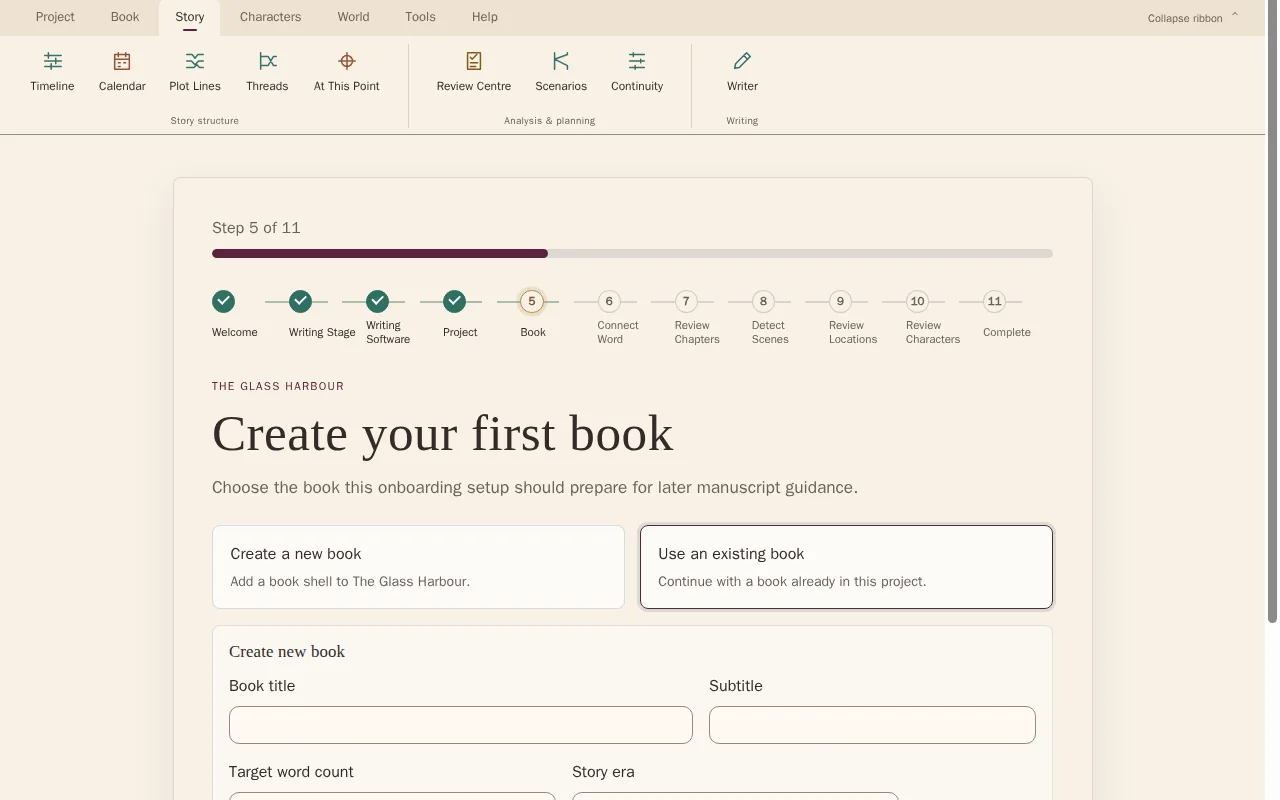
- Bring your existing manuscript
- Review chapters and scenes
- Keep control of what you import
Step back.
See the story.
When you're deep in a draft, perspective is hard to find. Review story progress, scene metrics and story health to help decide where your next revision will count.
- Book and project progress
- Scene metrics and pacing
- Story health and revision priorities
PlotDirector helps you understand your work. The creative decisions stay with you.

Through it all
Your book. Your words.
PlotDirector reads to understand, not to write. It helps organise and analyse your manuscript. The novel is yours to tell.
Make yourself at home
Start with your next scene.
You don't have to use everything. Just the things that help.
30 days free · No card needed